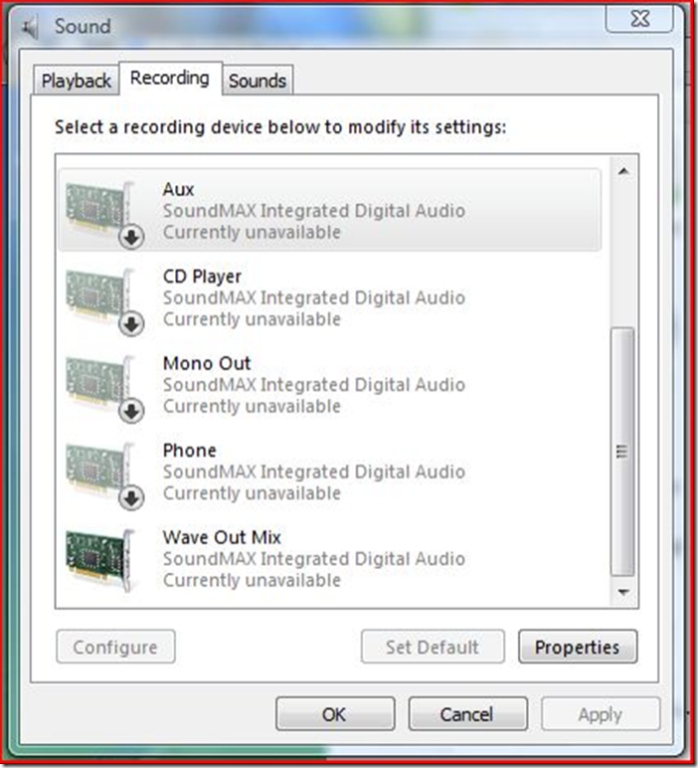
Vista Recording Control
To change vista recording source:
- Go to the "Sound" item in control panel
- Click on the "Recording" tab
- Right click on the background of the tab and select "Show Disabled Devices"
- Find the "Wave Out mix" item or other items and right click on a item and select "Enable"
- Select a item again and click "Set Default" button